



15+ Years of Excellence: Fan Studio👾
Game App Development 🚀
Bring your gaming vision to life with Fan Studio, the UK’s premier mobile Game App Development and gamification service!
🎮 Our skilled game designers and developers will guide you through every step of the process, from ideation to launch, helping you create a game that stands out in the competitive market. 💥
Whether you’re a budding startup or an established enterprise, Fan Studio has the expertise and experience to help you achieve your gaming goals.
Contact us today for a free consultation! 📞
🏆 2018 Top UK Game Developer Nominee by Business Of Apps 🏆
#gamedevelopment #gamesformarketing #mobilegamedev #web3gamedev #metaverse #cryptogaming #NFTgaming

🥇Award-Winning
Mobile Games & App Development
Working on a revolutionary mobile game or app? We carefully crafted the 📗Game Design Canvas document to help you formulate your game idea before reaching out to us.
We can help you achieve this! Our user-centred design approach and experience in mobile game app development enables us to create business products with gamified experiences and groundbreaking user engagement.
Games for Marketing
🌟 Ignite engagement with our Games for Marketing services!
🕹️ Boost your brand’s buzz, captivate audiences, and score big on loyalty.
Ready to play the marketing game and win? 🏆
Feel free to get in touch with us any time by email or phone, and we’ll turn your good ideas into brilliant projects💡.
We will always provide you with a 🔒Non-Disclosure Agreement to ensure your ideas remain confidential.




Little Kitten Racing
2D Mobile Racing Game
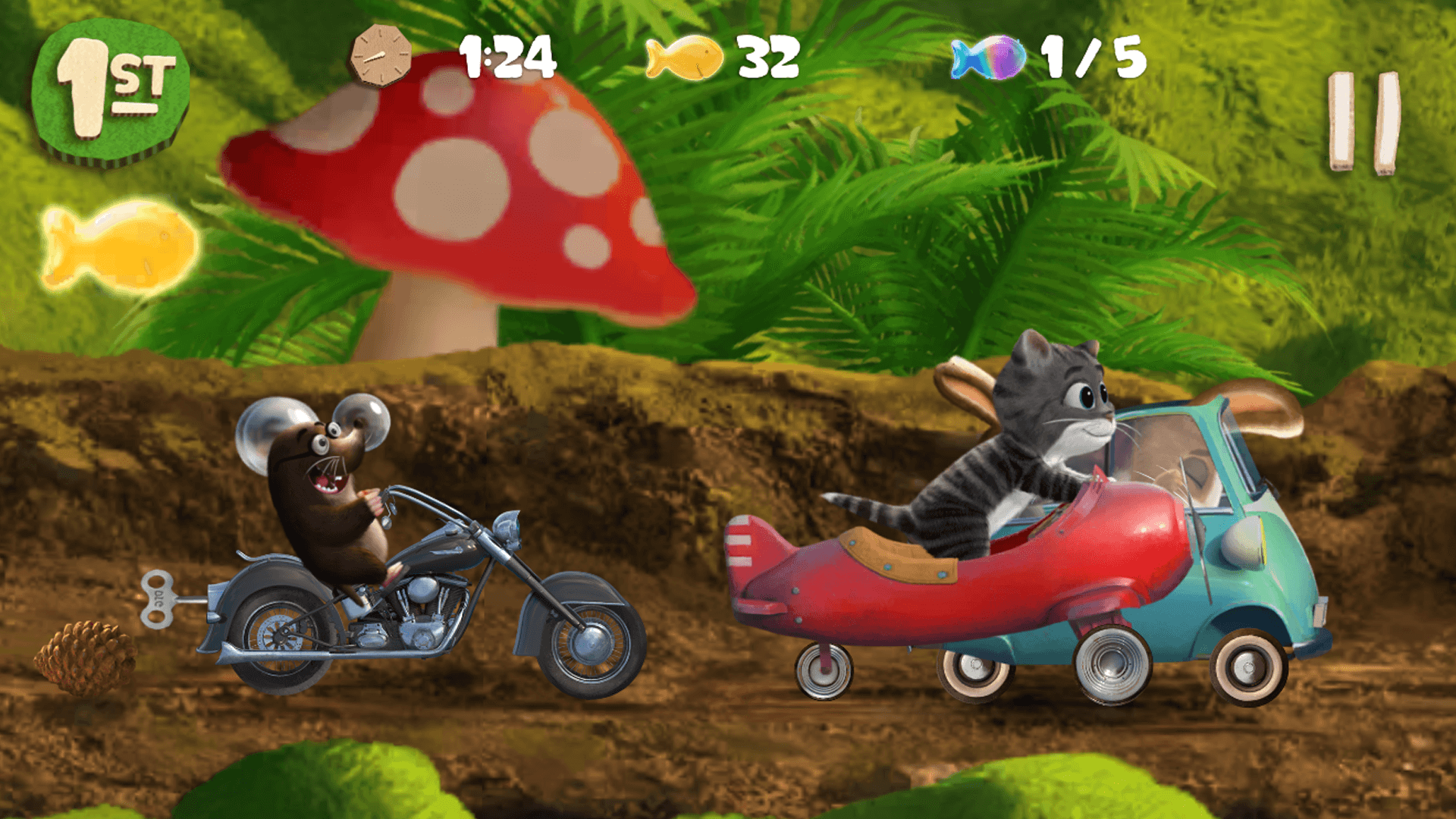

Little Kitten Racing
2D Mobile Racing Game
Peter Colebatch
Founder, Squeakosaurus.com
We worked with Andrei and the team over a long period on more than 3 large scale mobile games.
We decided to take a very uncommon approach to game development and the team did an amazing job adapting and learning to deal with this style of working and code.
We’re thrilled with the outcome and can truly recommend Fan Studio! Great job, guys!
-

-
2m+
 Downloads
 -
 1586
1586 

 Downloads
  1586
1586 
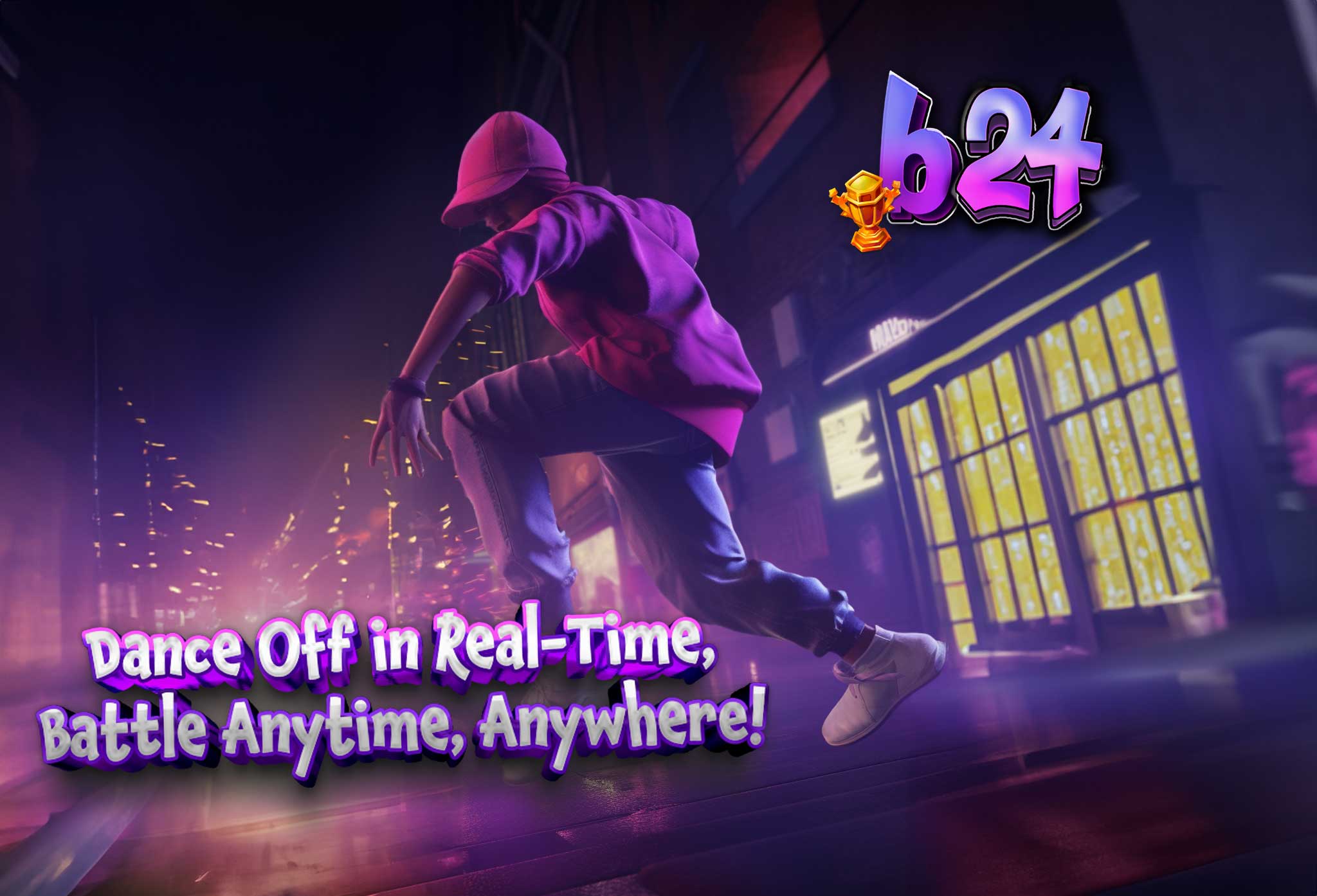
🎵 Breaking 24
Rhythm Dance Game
🎵 Breaking 24
Rhythm Dance Game
Step into the groove with Breaking 24, where the beat drops and your moves matter! Fan Studio’s latest hit turns your phone into a dance floor, letting you challenge friends and foes to epic dance battles from anywhere, at any time. 🌍👟
Breaking 24 gives you the freedom to dance your heart out with intuitive controls and electrifying tracks. Customize your avatar from head-to-toe and show off your style to the world! 💅🎽
Join the revolution of mobile dance gaming with:
- Real-time 1v1 PvP dance battles. 🥊🕺
- A banging soundtrack to keep you on your toes. 🎶🎧
- A global leaderboard to climb and claim your fame. 🏆🌟
- Countless customization options to stand out from the crowd. 🌈👗
-
-
175k
Downloads
-
26850






🎯 Setting the Stage
Before we dive into creating your game, we need to gather all the essential information to shape its structure and features. We kick things off by aligning with your business goals, getting to know your users through interviews, and sizing up the competition.
The outcome? A comprehensive document packed with wireframes, behaviour descriptions, references, and estimates. This blueprint becomes our roadmap, guiding us as we bring your game to life!
Why so important?
Having a structured idea on paper allows mitigating risk through early testing. A clear vision allows estimating production costs with higher precision. Resulting in a high-quality product.
🎮 Bringing Your Game to Life
With the concept document as our compass, our team dives into the heart of game development. We meticulously craft each feature’s design and behaviour, write the code, create the art, compose the music, and integrate all other elements that make your game unique and interactive.
We follow an iterative, agile workflow, which allows us to continuously test and refine our work, improving upon our initial assumptions. This approach ensures that your game evolves and improves at every step of the production process.
🚀 Soaring Beyond the Launch
Our work doesn’t stop once your game is out in the world. In fact, that’s when we kick things into high gear! Our app developers stay on the ball, continually refining and optimizing your game after its global release.
Through cycles of user acquisition and data analysis, we fine-tune the game’s performance, ensuring it runs smoothly and keeps players engaged. Plus, we keep the excitement alive with regular content updates, giving players new reasons to keep coming back for more!
Why so important?
Having a structured idea on paper allows mitigating risk through early testing. A clear vision allows estimating production costs with higher precision. Resulting in a high-quality product.
Learn More
About each step and deliverables by downloading our eBook:
The Stages of Mobile App Development Explained 👉









Individuals
Have an Idea?
Simply answer a few questions about your dream game app, and we’ll send a free, instant estimate straight to your inbox.
No strings attached, just valuable insights to fuel your creativity and bring your project to life. Ready to unlock your mobile game potential?
Let’s dive in and discover how much closer your dream is than you think!

Startups & Enterprises
Empower Your Business
Get a free, personalized consultation to discuss your unique needs and goals. Our expert team will provide transparent estimates and answer any questions you have, ensuring you have all the information needed to make an informed decision.
Craft Captivating Game Apps:
Bespoke Game Development Studio
Elevate your digital experience with our bespoke game app development services. Our 👑 UK-based studio has a rich history of delivering innovative, top-tier mobile games and apps to a global clientele. Specializing in diverse industries, from education to entertainment, we provide tailored solutions that resonate worldwide, including in the UK, UAE, Saudi Arabia, China, Japan, Canada, and the USA.